
Plan the trip together. Bring every photo home.
Vote on the day, the place and who drives. Share the trip in one stream. Then get everyone's photos in one place, before the whole thing disappears.

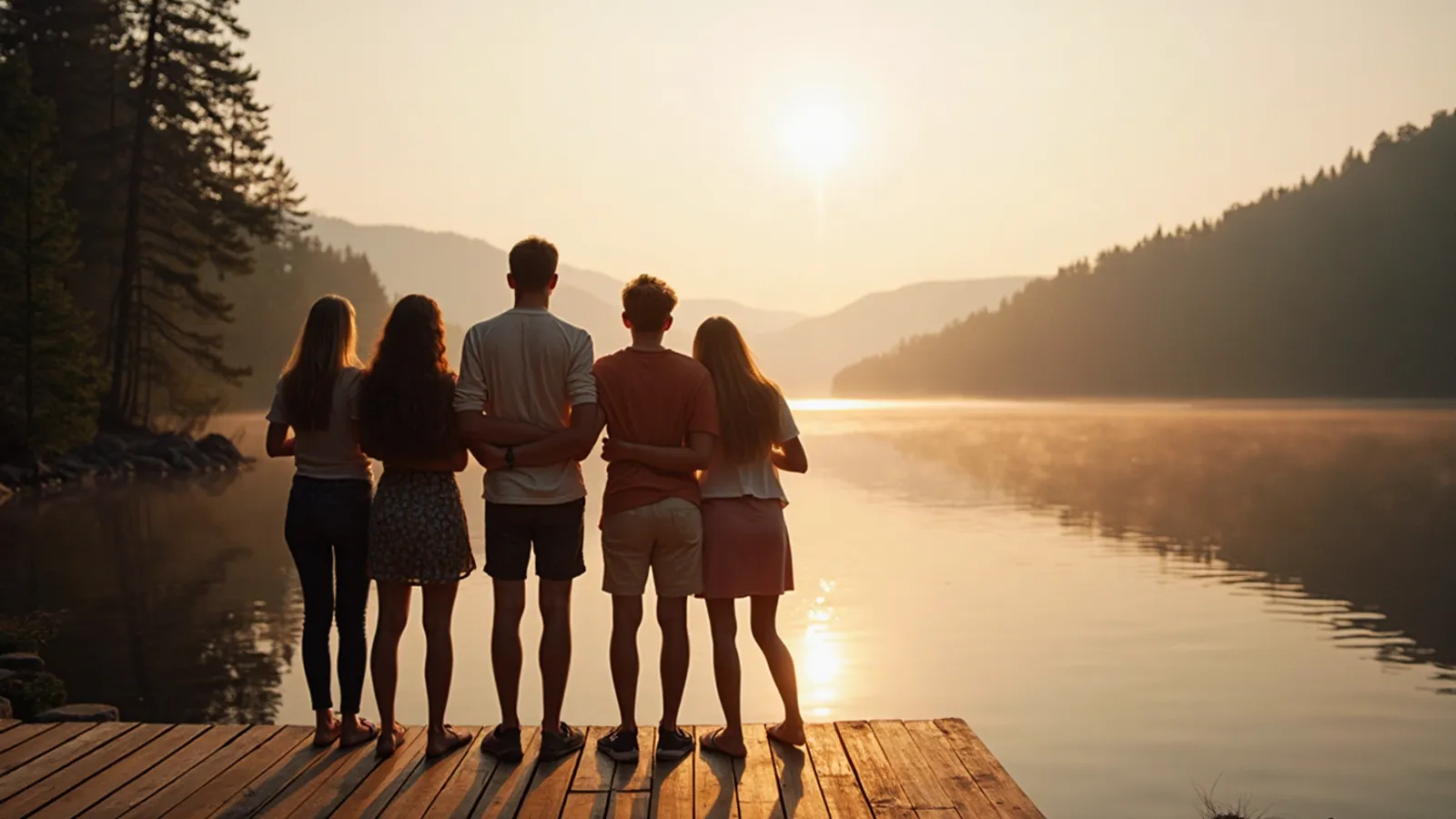
Day at the lake
Vote: Where do we go?
Tap an answer to vote.
Event details
- Saturday 12 June, 9:00
- Jonas and Maya drive

Six phones, one trip, and nobody has all the photos.
And it's always the same person picking the place, chasing replies and asking for the photos afterwards. A day away should be the easy part of having friends.
A day nobody actually confirmedThree links to places, buried in the chatWho's driving? Still unclearHundreds of photos stuck on six phones
With After Stories
One trip.
The day, the place, the plan and every photo, in one place. Save the photos, and the rest is gone 48 hours later.
From which day to the photos.
We've all been the one with the spreadsheet and the car keys. After Stories keeps the plan and collects the photos, so you get to enjoy the trip you organised.
Decide the trip
Before. Which day, where to, who brings what. Polls become decisions, jobs get a name, and it all stays on top in order. Nobody scrolls back to find the address.
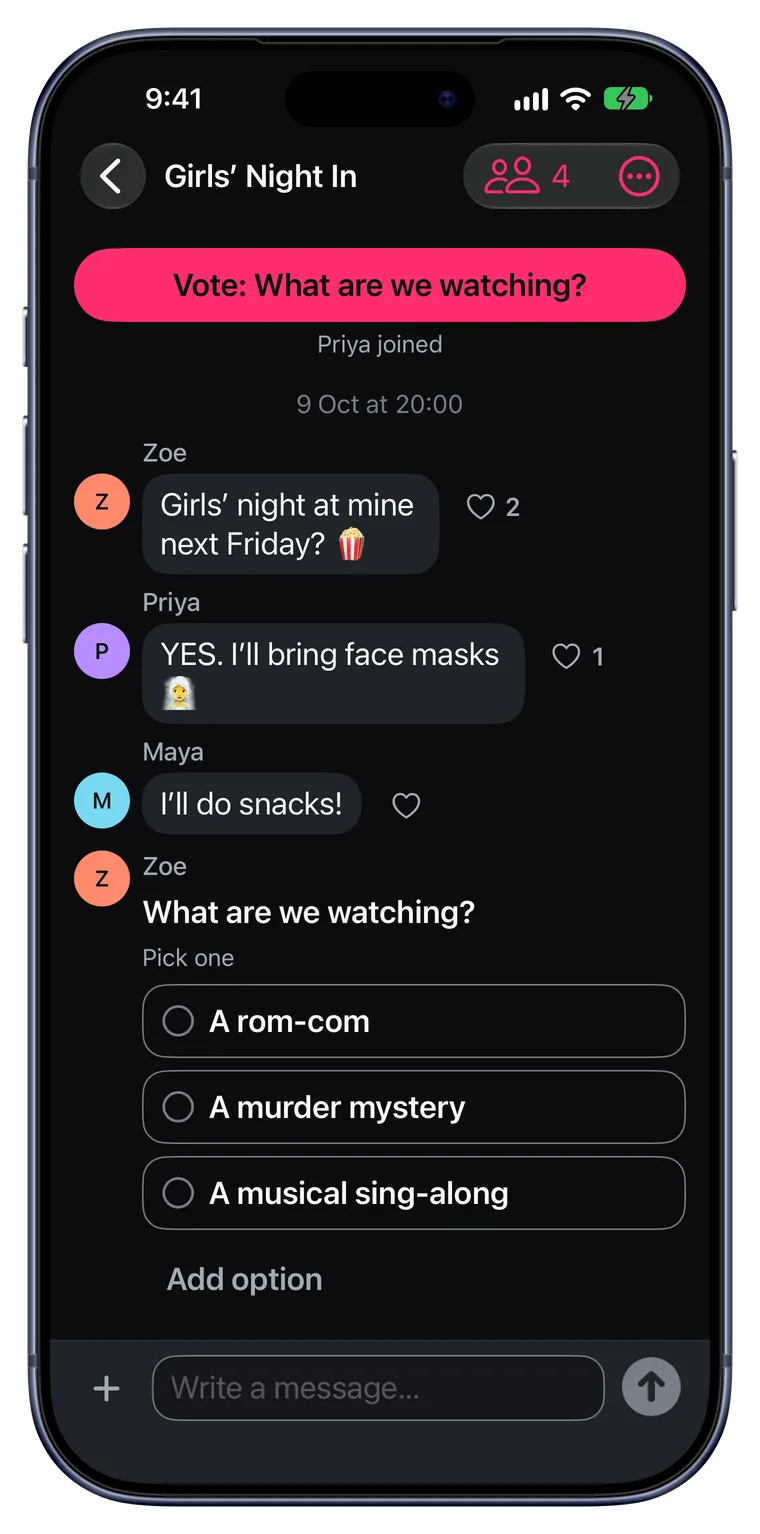
One stream for the trip
During. “At the petrol station, want anything?”, the hike photos, where dinner is. Everyone sees it, and nobody has to forward anything.
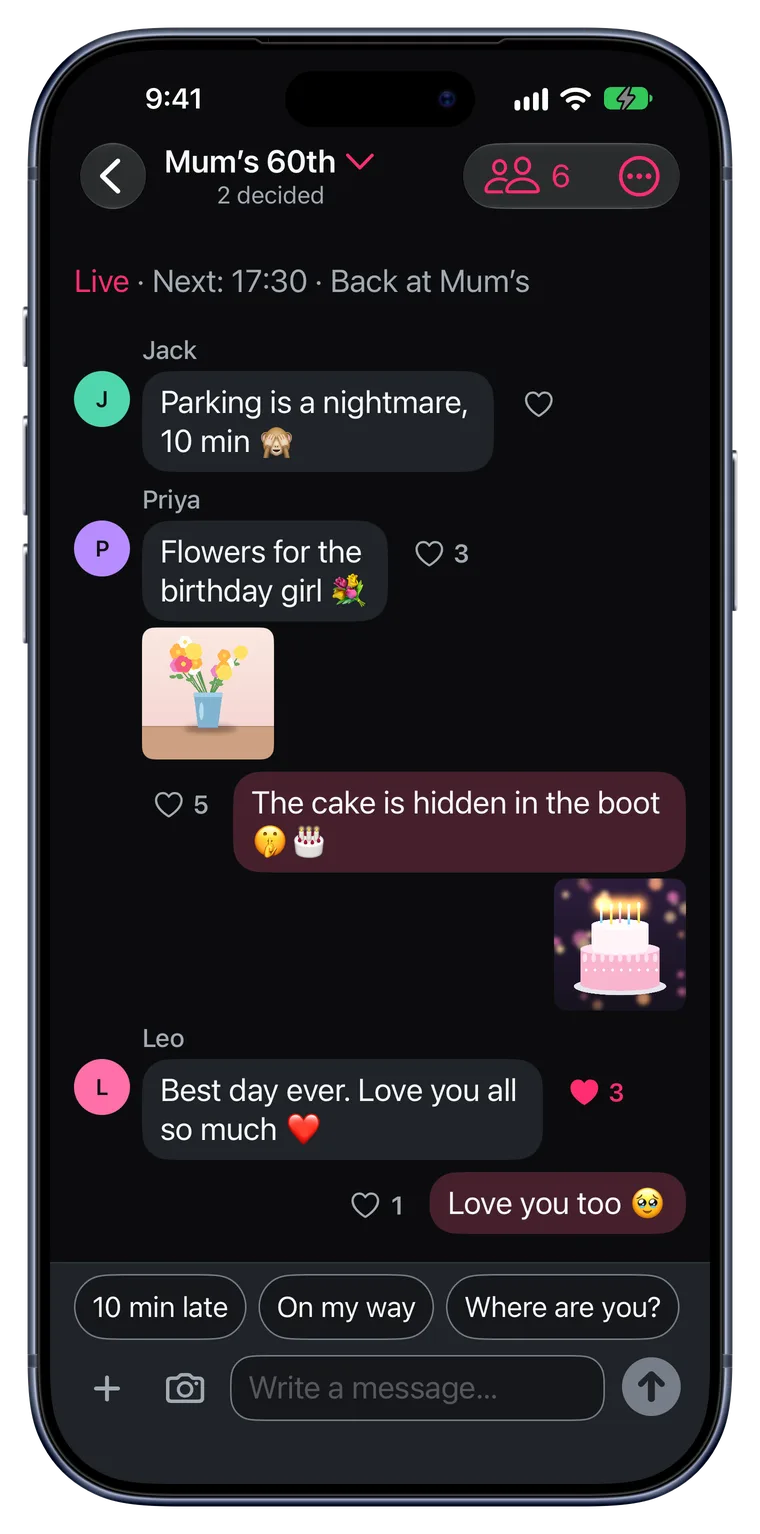
Bring every photo home
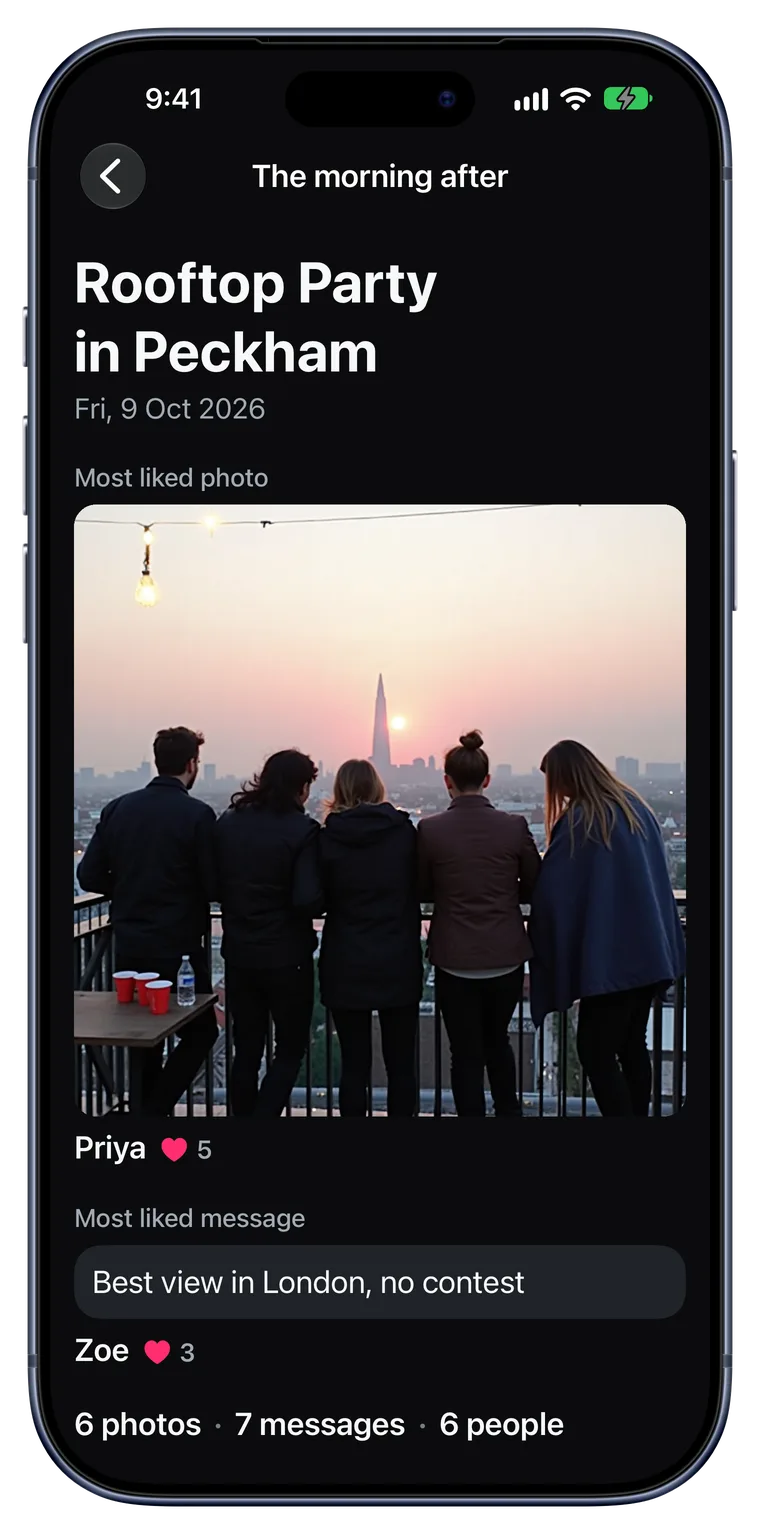
The morning after. Everyone gets the summary: the photo of the trip, the line of the day, what you decided. Then save every photo to your phone with one tap.
Every kind of day away.
- Lake day
- City trip
- Ski day
- Beach day
- Road trip
- Hiking day
- Boat trip
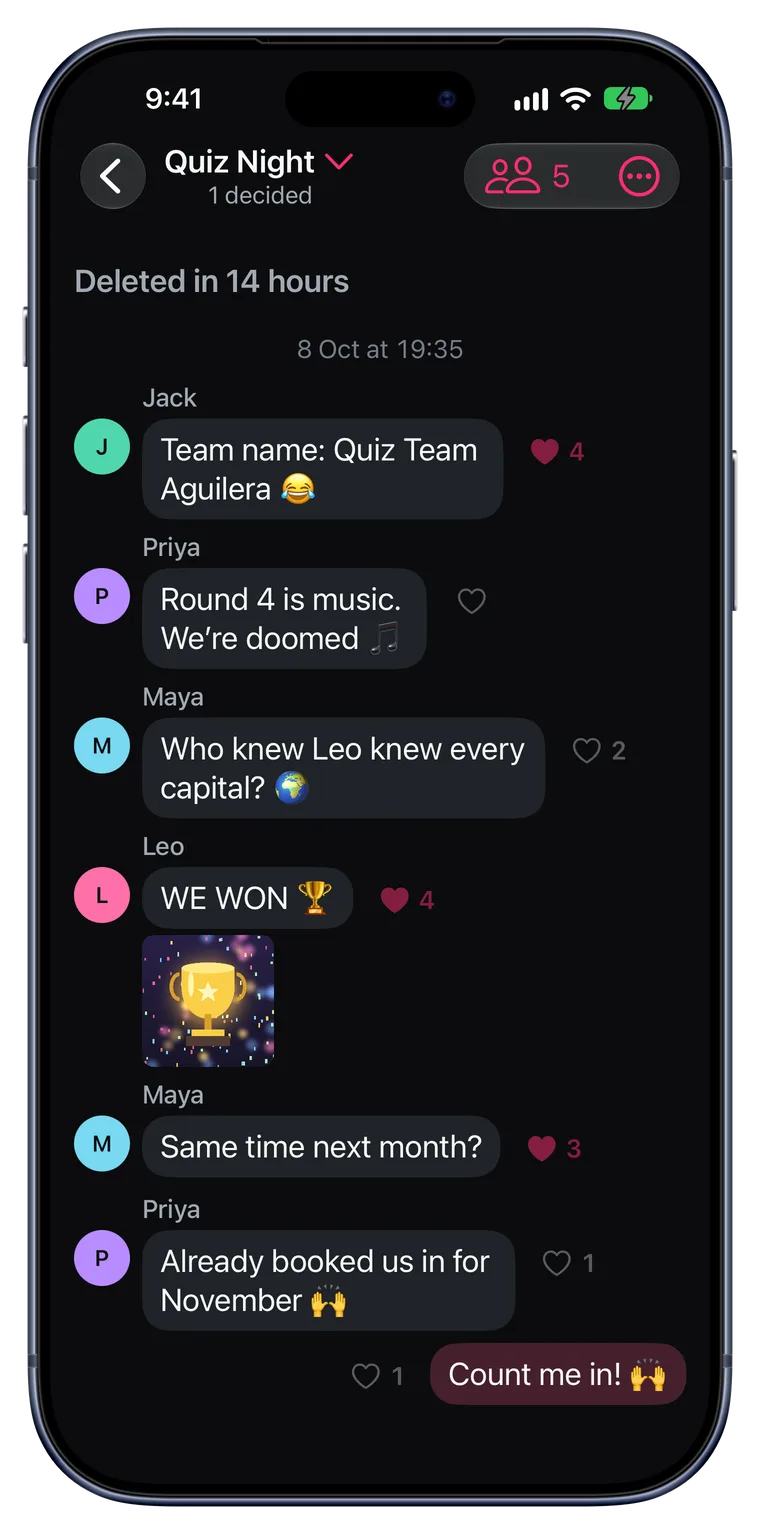
What happens on the trip stays in the trip.
- No feed, no followers, no strangers. Each event is its own private space.
- Never your location. Places are venues you pick. Photos are stripped of GPS and camera data before upload.
- Gone 48 hours after. Save every photo with one tap first. Then the chat, the polls and the photos are deleted for everyone.
- Sign in with Apple. No password to make up on iPhone. Friends without an iPhone sign up with an email in their browser.
Good to know
How is it different from a group chat and a shared album?
A group chat buries the plan, and somebody has to run the album. In After Stories every poll becomes a decision you can see at a glance, everyone's photos land in the same event, and the morning after you get the story without anyone making it.
What happens after 48 hours?
The event is deleted for everyone: the chat, the polls and the photos. Before that, everyone gets a reminder and can save all the photos to their own phone with one tap.
Can friends without an iPhone join?
Yes. Friends on Android or a computer open the invite link and join from their browser, with Sign in with Apple or their email. They chat, vote and share photos like everyone else. They get the summary the morning after and save every photo too, and anyone can start an event in the browser at app.after-stories.com. The iPhone app (iOS 26 or later) adds notifications.
How many people can join one event?
Up to 50. That fits most groups, from a handful of friends to a big party.
Can one event cover a whole weekend?
Yes. One event can run over several days: a weekend away or a whole festival is one event, and what you decided shows day by day. It ends at 6 the morning after the last day.
Planning something else?
The next trip, without the 300 messages.
Come home with every photo from every phone, the photo of the trip and the line of the day, without anyone making an album.
Or plan it in the group chat again, and keep asking for those photos for the rest of the year.
Plan your next one in After Stories.