
Plan the show night together. Everyone gets the photos.
Friends and family coming to watch, and a plan to sort. Vote on where to meet and where to eat after, share the show in one private stream, and get every photo of the performance before it disappears.


Choir spring concert
Vote: Where do we eat after?
Tap an answer to vote.
Event details
- Friday 19:00, doors 18:30
- Meet at the foyer bar, 18:15

Fifteen people, one show, and nobody knows where to meet.
Who has the spare ticket, who's giving whom a lift, where to eat after, all across the family group chat. Show night should be about the performance, not the logistics.
“Where are you? We're at the door”Who has the spare ticket?The best photo, on someone else's phoneWho's giving whom a lift?
With After Stories
One show.
The meeting point, the lifts and every photo of the performance, in one place that's gone 48 hours later.
From the foyer to the bow.
We've all been the friend who ends up the show-night coordinator. After Stories keeps the plan in one place, so you get to enjoy the performance.
Sort the evening
Before. Where to meet, who gives whom a lift, where to eat after. Every vote becomes a decision on top of the event, so nobody has to ask the same question twice.
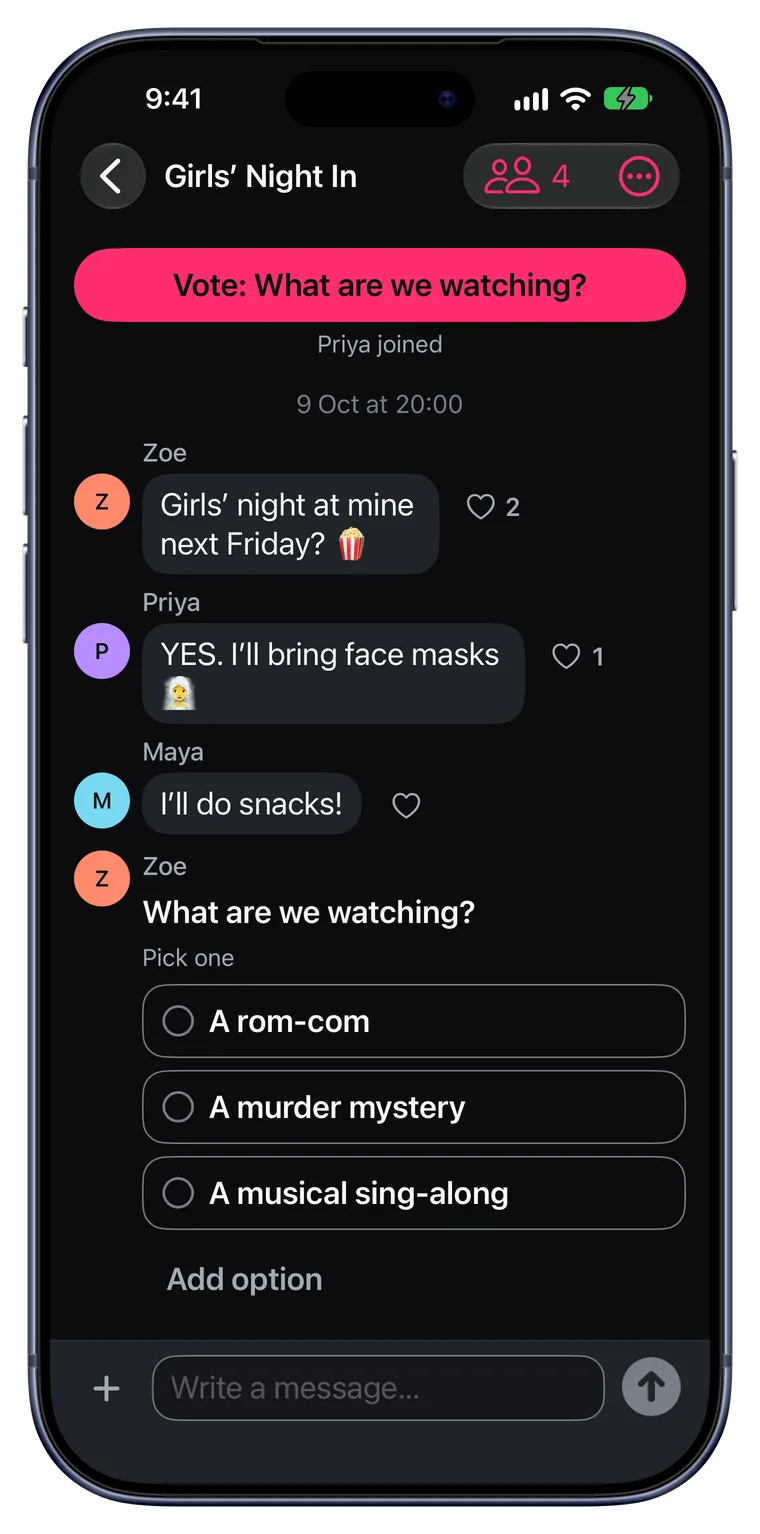
One stream for the show
During. “Two rows back”, the curtain-up photo, the bows. Everyone's photos land in the same place as they're taken.
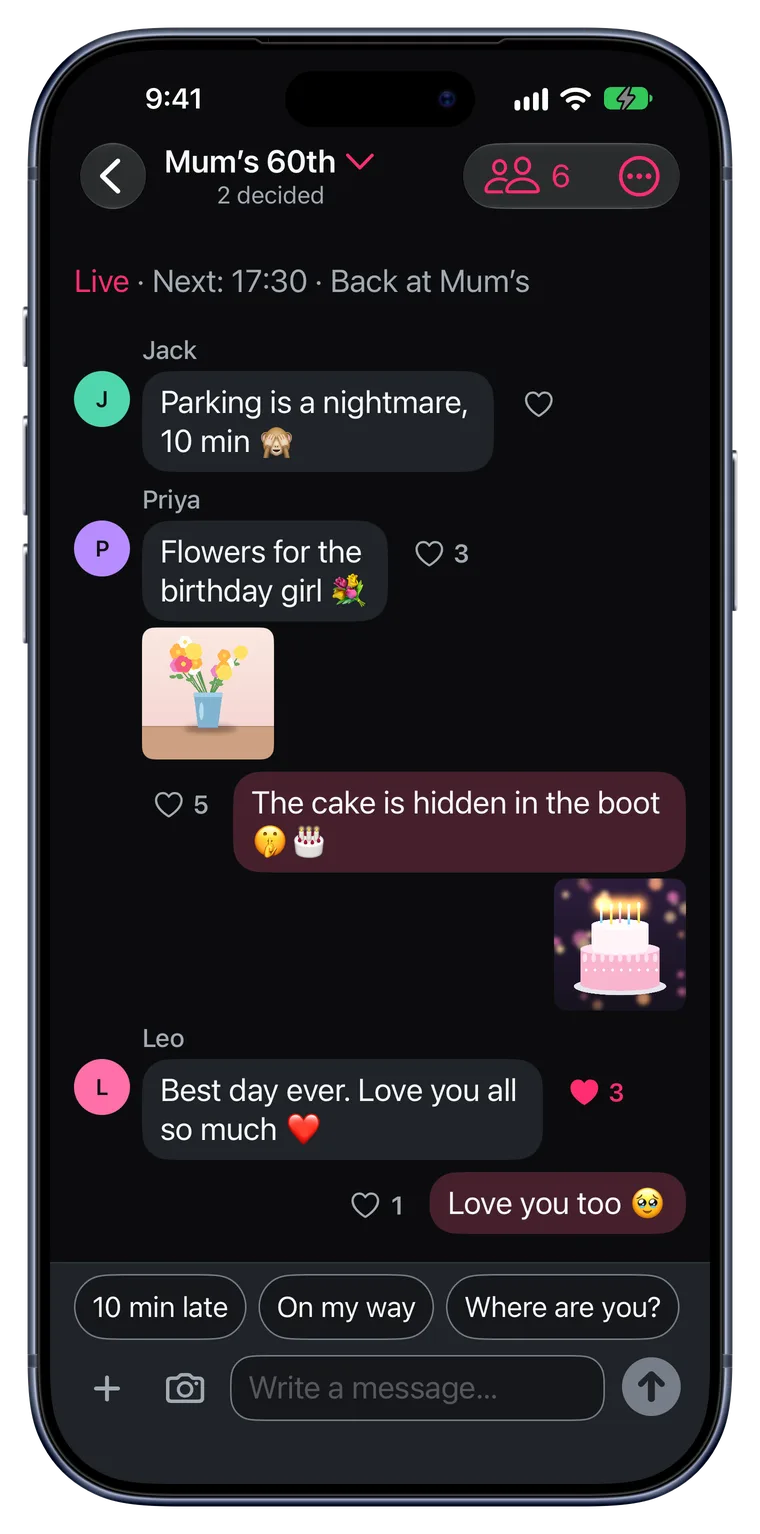
Everyone gets the photos
The next day. A summary of the night and every photo of the performance, saved to each person's phone with one tap.
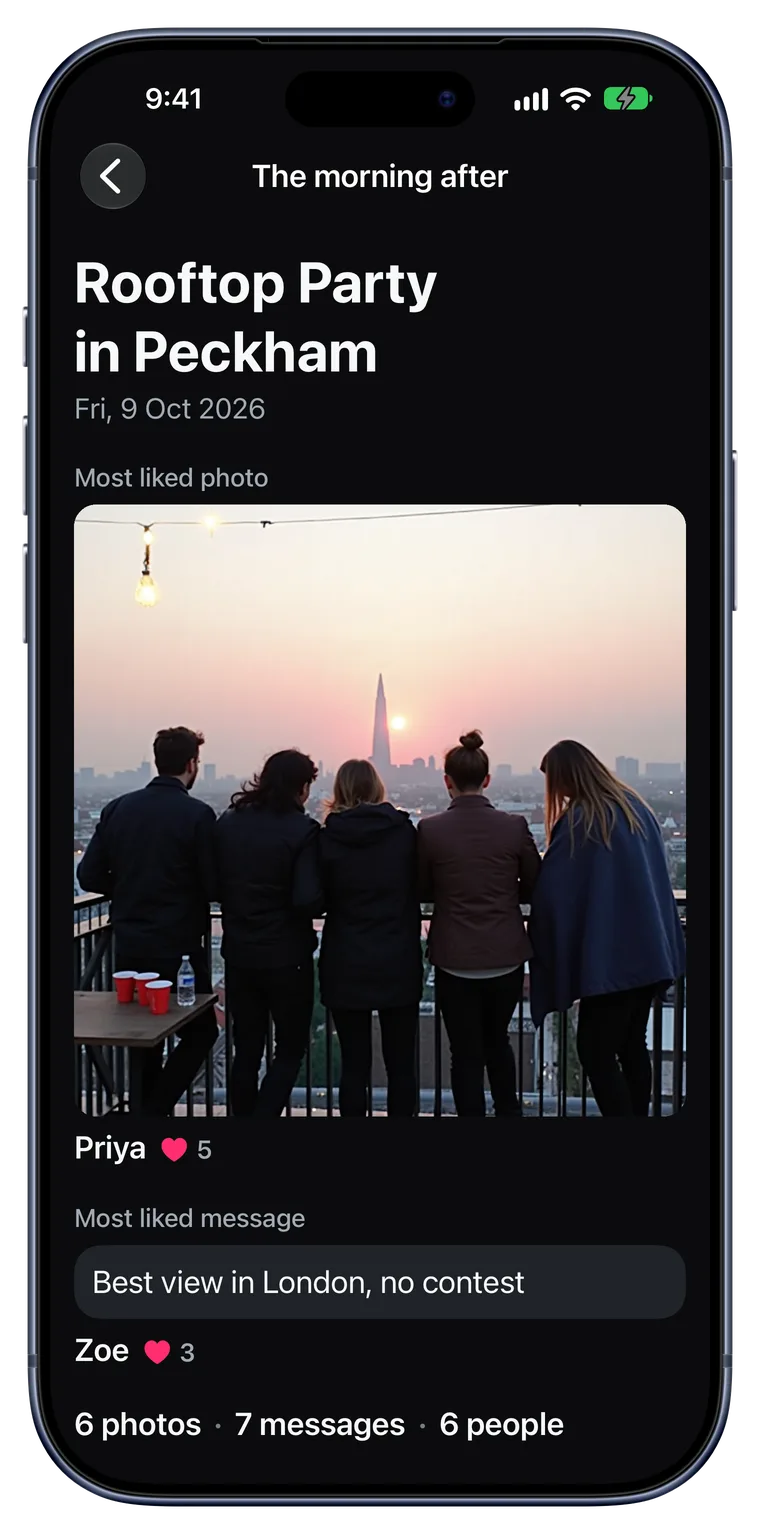
Every kind of performance night.
- Choir concert
- Band gig
- Amateur theatre
- Dance show
- Open mic night
- Musical
- Orchestra concert
Only the people who came to watch.
- No feed, no followers, no strangers. Each event is its own private space.
- Never your location. Places are venues you pick. Photos are stripped of GPS and camera data before upload.
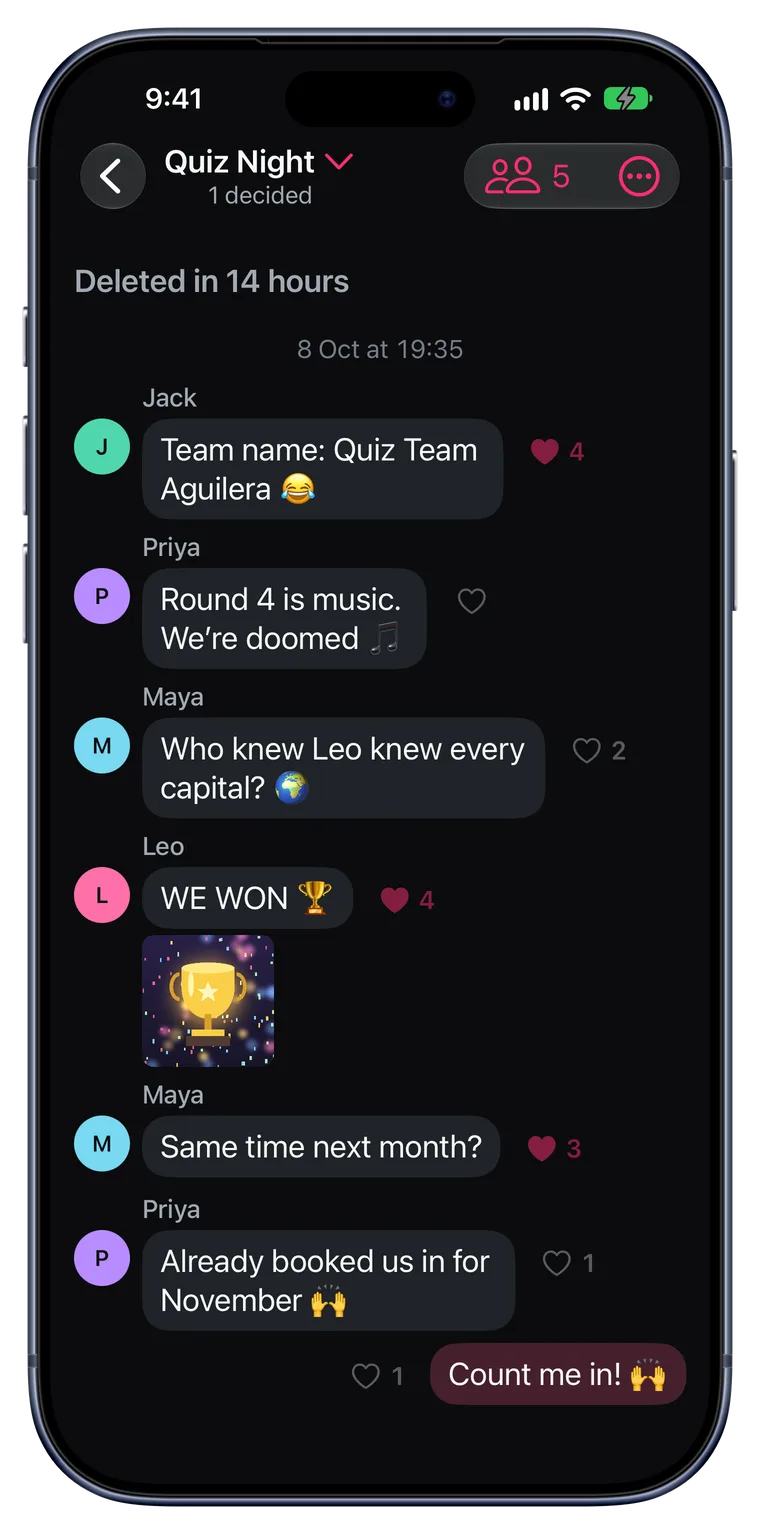
- Gone 48 hours after. Save every photo with one tap first. Then the chat, the polls and the photos are deleted for everyone.
- Sign in with Apple. No password to make up on iPhone. Friends without an iPhone sign up with an email in their browser.
Good to know
Can we vote on the date of the show?
No need: the venue sets the date. Use the votes for what's yours to decide, like where to meet before and where to eat after.
How many people can join?
Up to 50 per event. That fits the friends and family who come to watch.
Can friends and family without an iPhone join?
Yes. Friends and family on Android or a computer open the invite link and join from their browser, with Sign in with Apple or their email. They chat, vote and share photos like everyone else. They get the summary the morning after and save every photo too, and anyone can start an event in the browser at app.after-stories.com. The iPhone app (iOS 26 or later) adds notifications.
What happens after 48 hours?
The event is deleted for everyone: the chat, the polls and the photos. Before that, everyone gets a reminder and can save all the photos to their own phone with one tap.
Planning something else?
The next show, planned in minutes.
A show night where the meeting point and the lifts just worked, and the next morning everyone saves every photo of the performance with one tap.
Or plan it in the family chat again, and miss the photo of the bows.
Plan your next one in After Stories.