
Plan the birthday together. Everyone gets the photos.
Vote on the date and the venue, and put a name on who brings what. Share the party in one private stream. The morning after, everyone gets every photo of the party, not just the ones they took.


Sara turns 30
Vote: Where do we celebrate?
Tap an answer to vote.
Event details
- Saturday 10 April
- Ali brings the cake

One birthday, three chats, and the best photo is on someone else's phone.
And whoever organises it asks the same questions in three chats, then begs for the photos afterwards. Celebrating someone should be fun for the people throwing it too.
A date poll half the group ignored“Who's bringing what?”, asked three timesThe best photo of Sara, on Jonas's phone“Can you send me that one?”
With After Stories
One party.
The date, the place, the plan and every photo of the night, in one place that's gone 48 hours later.
From which Saturday to the photos.
We've all organised a birthday in two chats at once. After Stories keeps the plan in one place, so you get to enjoy the party you threw.
Decide it together
Before. Vote on the date and the venue, and give each job a name: who brings the cake, who books the table. It all sits on top of the event, so nobody asks again.
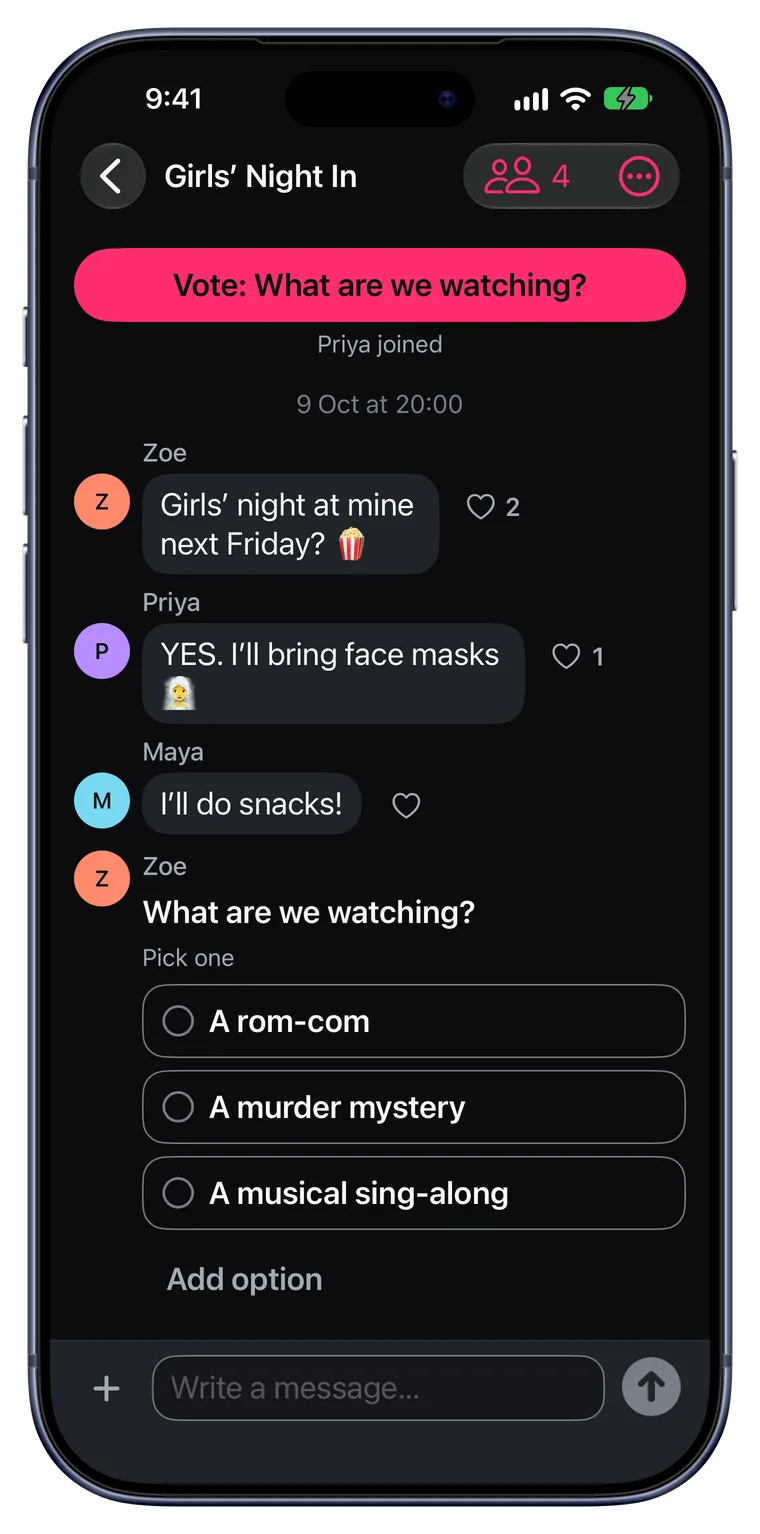
One stream for the party
During. The speeches, the cake, “who has a lighter?”. Everyone's photos land in the same place as they're taken.
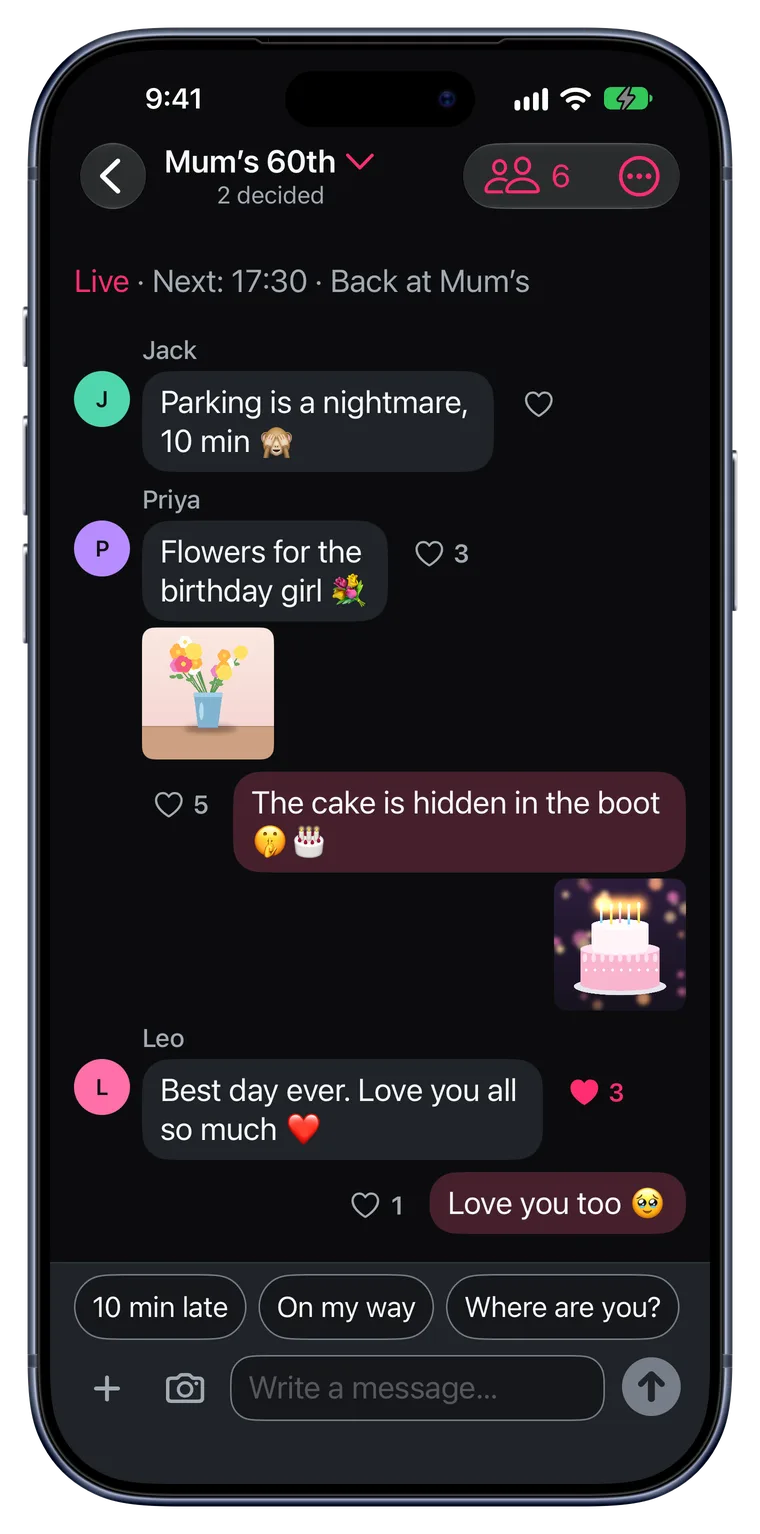
Everyone gets the photos
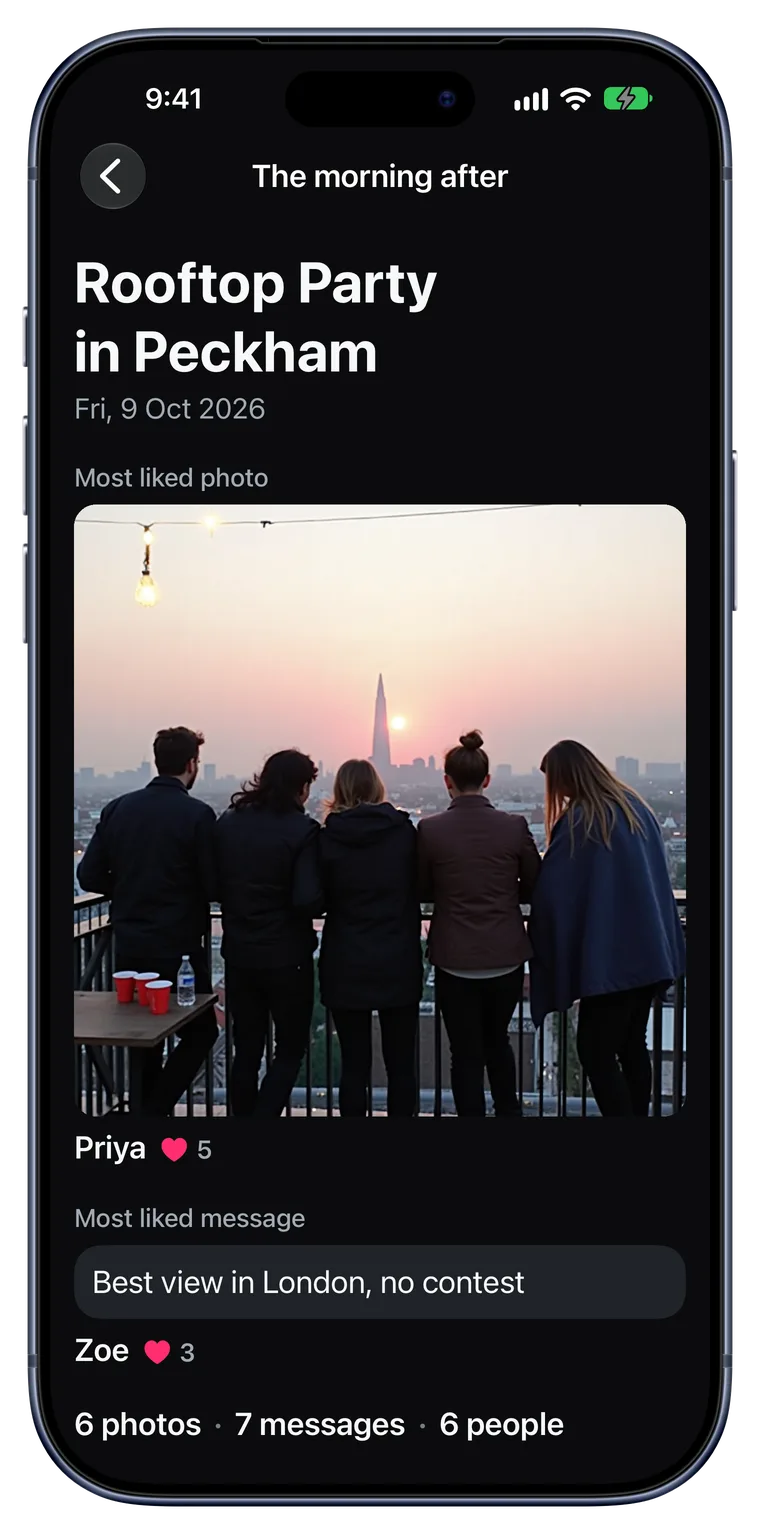
The morning after. A summary of the party and every photo anyone took, saved to your phone with one tap.
Every kind of celebration.
- Milestone birthday
- Surprise party
- Birthday dinner
- Housewarming
- Graduation
- Anniversary
- Farewell party
Only the guests. Nobody else.
- No feed, no followers, no strangers. Each event is its own private space.
- Never your location. Places are venues you pick. Photos are stripped of GPS and camera data before upload.
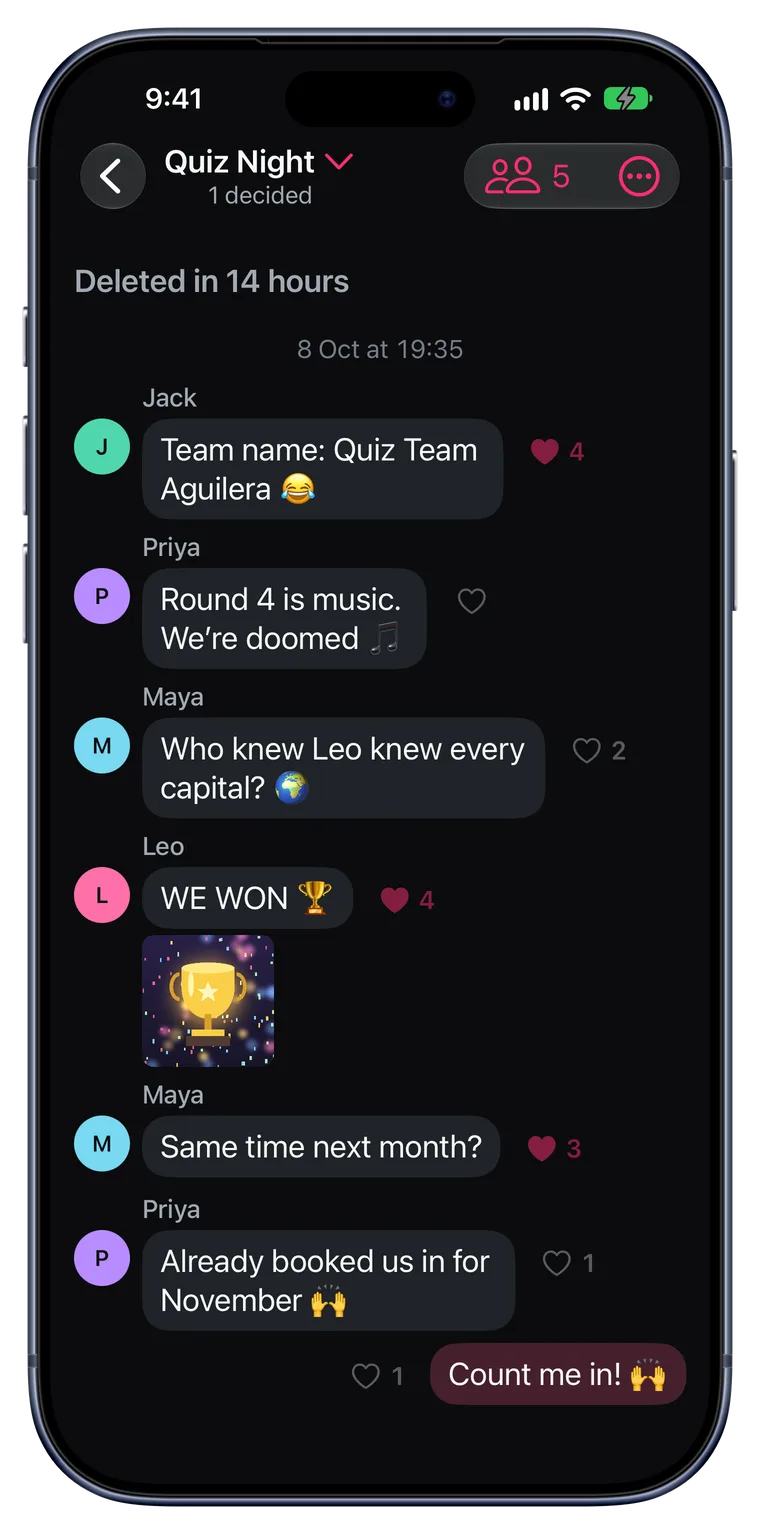
- Gone 48 hours after. Save every photo with one tap first. Then the chat, the polls and the photos are deleted for everyone.
- Sign in with Apple. No password to make up on iPhone. Friends without an iPhone sign up with an email in their browser.
Good to know
Can we plan a surprise party?
Yes, with one catch: anyone who joins sees the whole event from the start, the planning included. Keep the surprise out of the event, or add the guest of honour knowing they'll see the plan.
How many guests can join?
Up to 50 per event. That fits most birthday parties, though not a 200-person wedding.
Can friends without an iPhone join?
Yes. Friends on Android or a computer open the invite link and join from their browser, with Sign in with Apple or their email. They chat, vote and share photos like everyone else. They get the summary the morning after and save every photo too, and anyone can start an event in the browser at app.after-stories.com. The iPhone app (iOS 26 or later) adds notifications.
What happens after 48 hours?
The event is deleted for everyone: the chat, the polls and the photos. Before that, everyone gets a reminder and can save all the photos to their own phone with one tap.
Planning something else?
The next birthday, planned in one place.
The morning after, every photo of the party is in one place, from every phone, saved with one tap.
Or ask around for weeks, and still miss the best photo of the night.
Plan your next one in After Stories.