
The app for one event with your group.
Plan it together. Everyone gets the photos.
After Stories is an app for one event with your group: a dinner, a party, a weekend away. Everyone votes on the plan, shares photos in one place, and saves them all with one tap the morning after.

Group chats are where plans go to die.
The plan sinks under 400 messages, the photos never leave everyone's phone, and somehow you're the one scrolling up, chasing replies and begging for the pictures. Getting your friends together shouldn't feel like a second job.
You: wait which weekend did we land on?
Jonas
did anyone actually book the house
Sara
scroll up, it's there somewhere
You: can someone send the pics??
Maya
yes!! pls send
Jonas
will do tonight
From “we should do something” to the morning after, in three steps.
We've all been the one holding the group chat together. After Stories holds it for you, so you get to be at the party instead of running it.
Plan it together
Before. Create the event and send the link. Ask which weekend, which house, who drives. Every vote turns into a decision, and the decisions stay on top as a timeline. Nobody scrolls back to find them.
Day at the lake
Vote: Where do we go?
Tap an answer to vote.
Event details
- Saturday 12 June, 9:00
- Jonas and Maya drive
Live it together
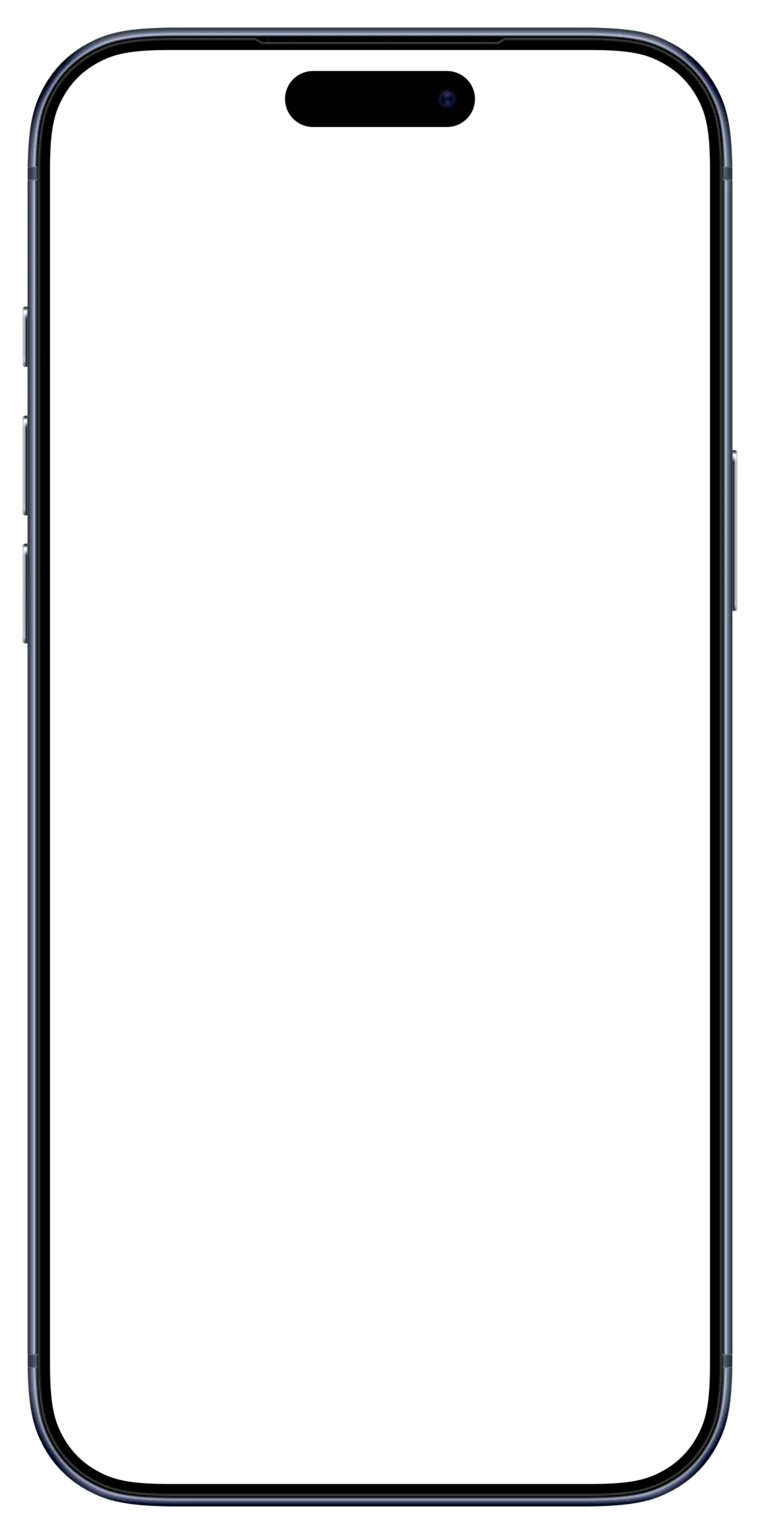
During. One stream for the whole event: “10 minutes late”, the photos, where to go next. Tap on the ones that matter.
Wake up to the story
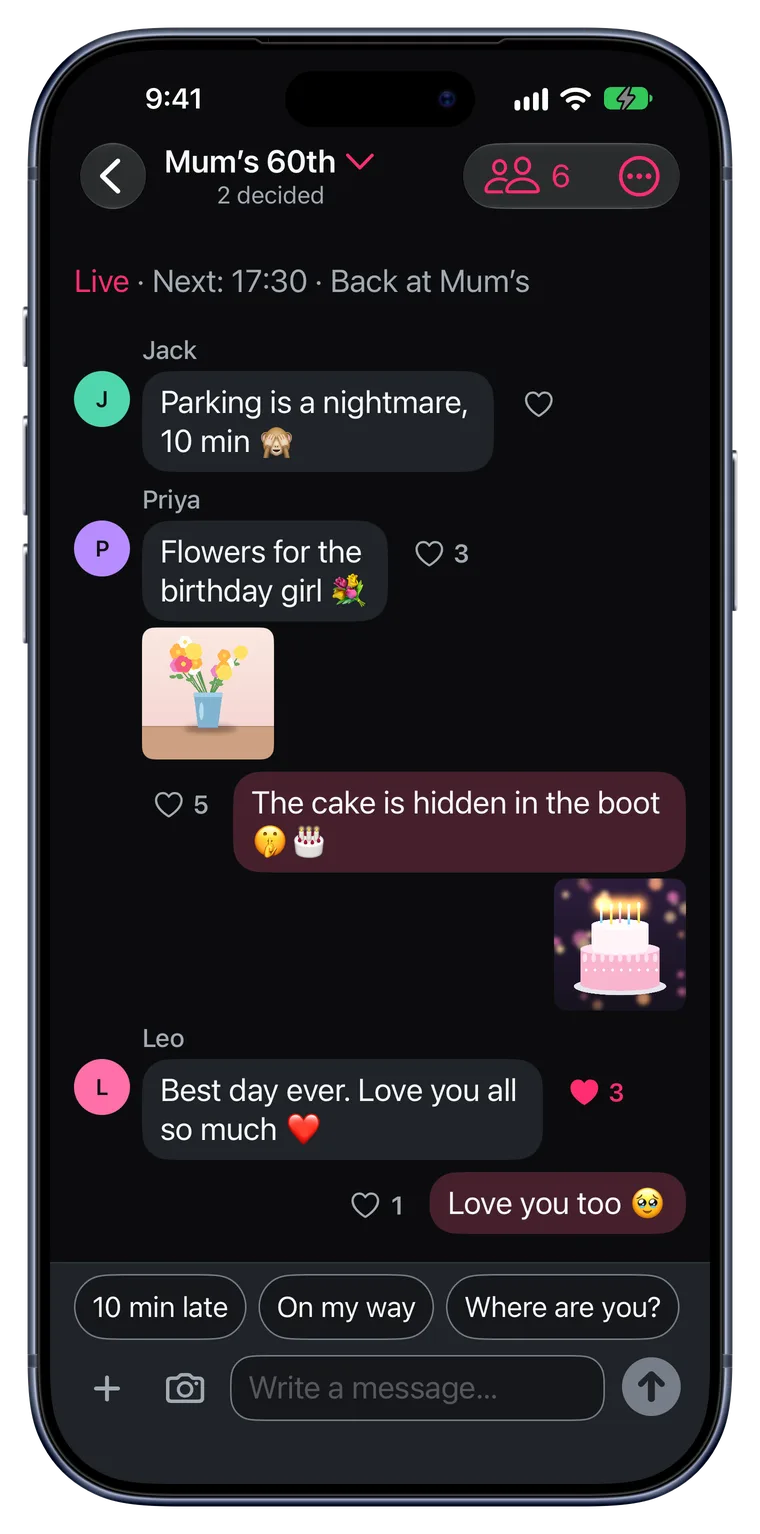
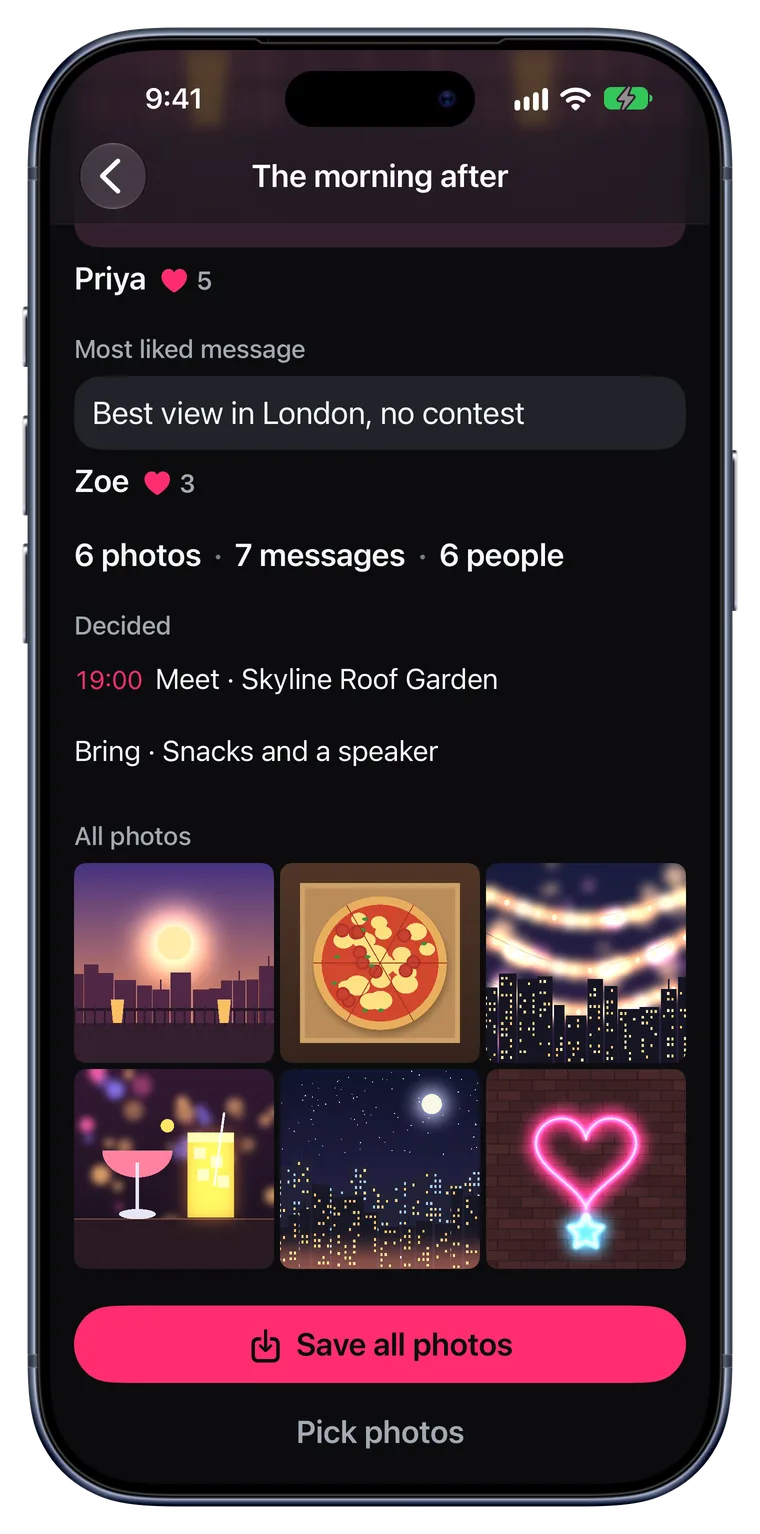
The morning after. Everyone gets the summary: the most-liked photo, the line of the night, what you decided. Then save every photo to your phone with one tap.
No iPhone? Plan it in your browser.
On a computer or an Android phone, start the event at app.after-stories.com. Your group joins from the invite link on whatever phone they have, and everyone is in the same event.
- Vote on the plan, chat and share photos
- Get the summary the morning after and save every photo with one click
- Sign in with Apple or your email
The iPhone app adds notifications. In the browser, you get an email when the summary is ready.
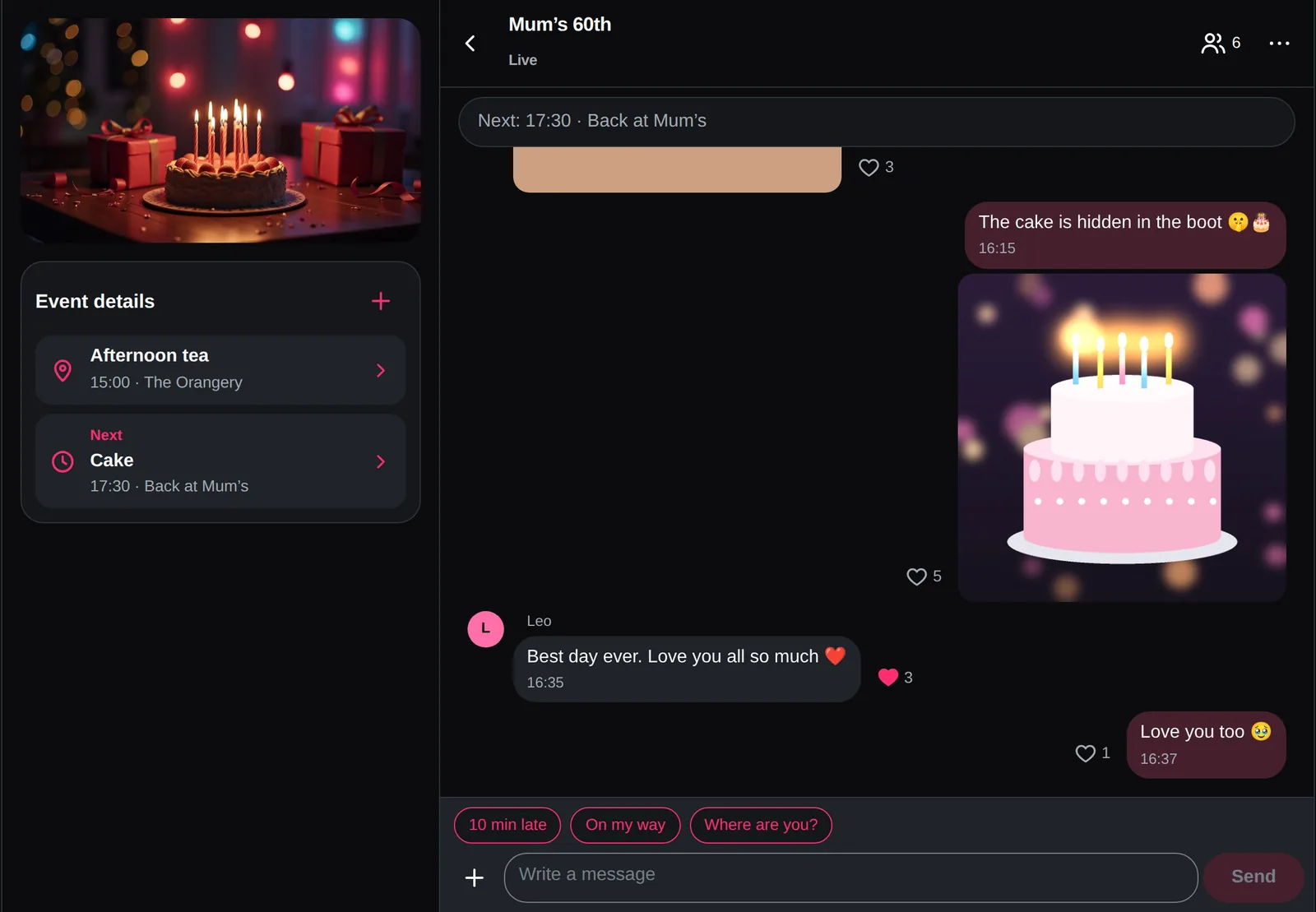
48 hours after the event ends, it's deleted for everyone. The chat, the polls, the photos. Before that, you save every photo to your phone with one tap. You keep the memories. The app forgets the rest.
What happens on the trip stays in the trip.
06:00
The event ends at 6 the morning after its last day. Then the story starts.
50
Up to 50 people in one event.
Anything you plan with more than one person.
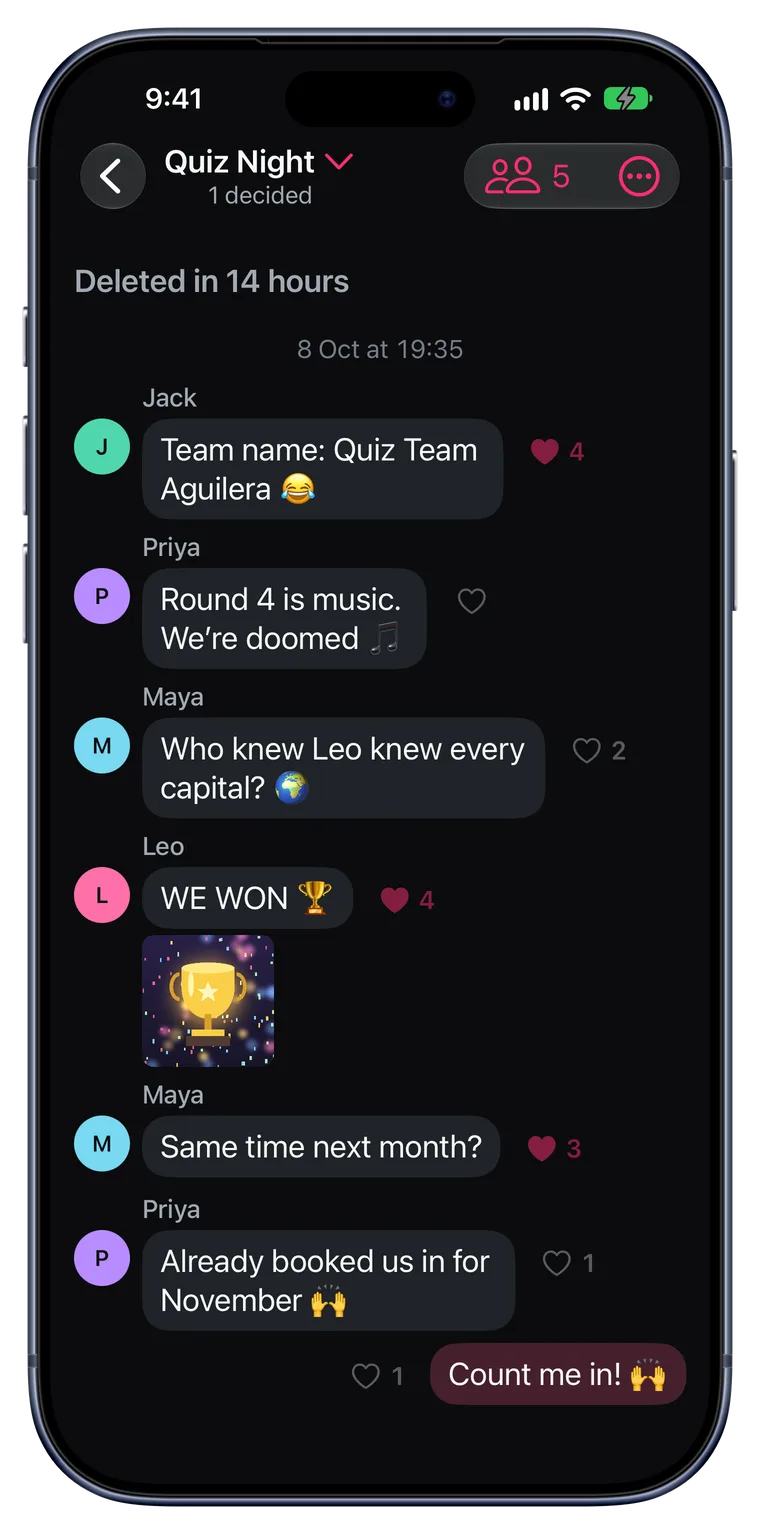
Only the people in the event. That's a promise.
- No feed, no followers, no strangers. Each event is its own private space.
- Never your location. Places are venues you pick. Photos are stripped of GPS and camera data before upload.
- Gone 48 hours after. Save every photo with one tap first. Then the chat, the polls and the photos are deleted for everyone.
- Sign in with Apple. No password to make up on iPhone. Friends without an iPhone sign up with an email in their browser.
Good to know
What is After Stories?
An iPhone app for one event with your group: a dinner, a party, a weekend away. Everyone votes on the plan, shares photos in one place, and saves them all with one tap the morning after, when the summary arrives: the most-liked photo, the most-liked message and what you decided. 48 hours after the event ends it's deleted, after everyone has saved the photos.
When can I get After Stories?
Now. After Stories is on the App Store for iPhone, with iOS 26 or later, and in your browser at app.after-stories.com. Start with either button on this page.
How is it different from a group chat and a shared album?
A group chat buries the plan, and somebody has to run the album. In After Stories every poll becomes a decision you can see at a glance, everyone's photos land in the same event, and the morning after you get the story without anyone making it.
What kinds of events can I start?
Start from a template. Plan together: find the day, the place and the plan with your friends. Party: invite, chat and share the photos. Game day: the match, the meeting point and the carpool for the kids, out and home. Free form: choose what the event gets. Every event also gets a cover picture that everyone in it sees.
What happens after 48 hours?
The event is deleted for everyone: the chat, the polls and the photos. Before that, everyone gets a reminder and can save all the photos to their own phone with one tap.
Can friends without an iPhone join?
Yes. Friends on Android or a computer open the invite link and join from their browser, with Sign in with Apple or their email. They chat, vote and share photos like everyone else. They get the summary the morning after and save every photo too, and anyone can start an event in the browser at app.after-stories.com. The iPhone app (iOS 26 or later) adds notifications.
Who can see what we share?
Only the people in the event. There is no public feed, no followers and no discovery. Photos are stripped of location and camera data before they're uploaded.
Can we use it for a work event?
Yes. Vote on the date, decide the place and share the photos from the team dinner or the summer party, instead of a calendar poll and a dozen emails. And there's no work chat left behind afterwards.
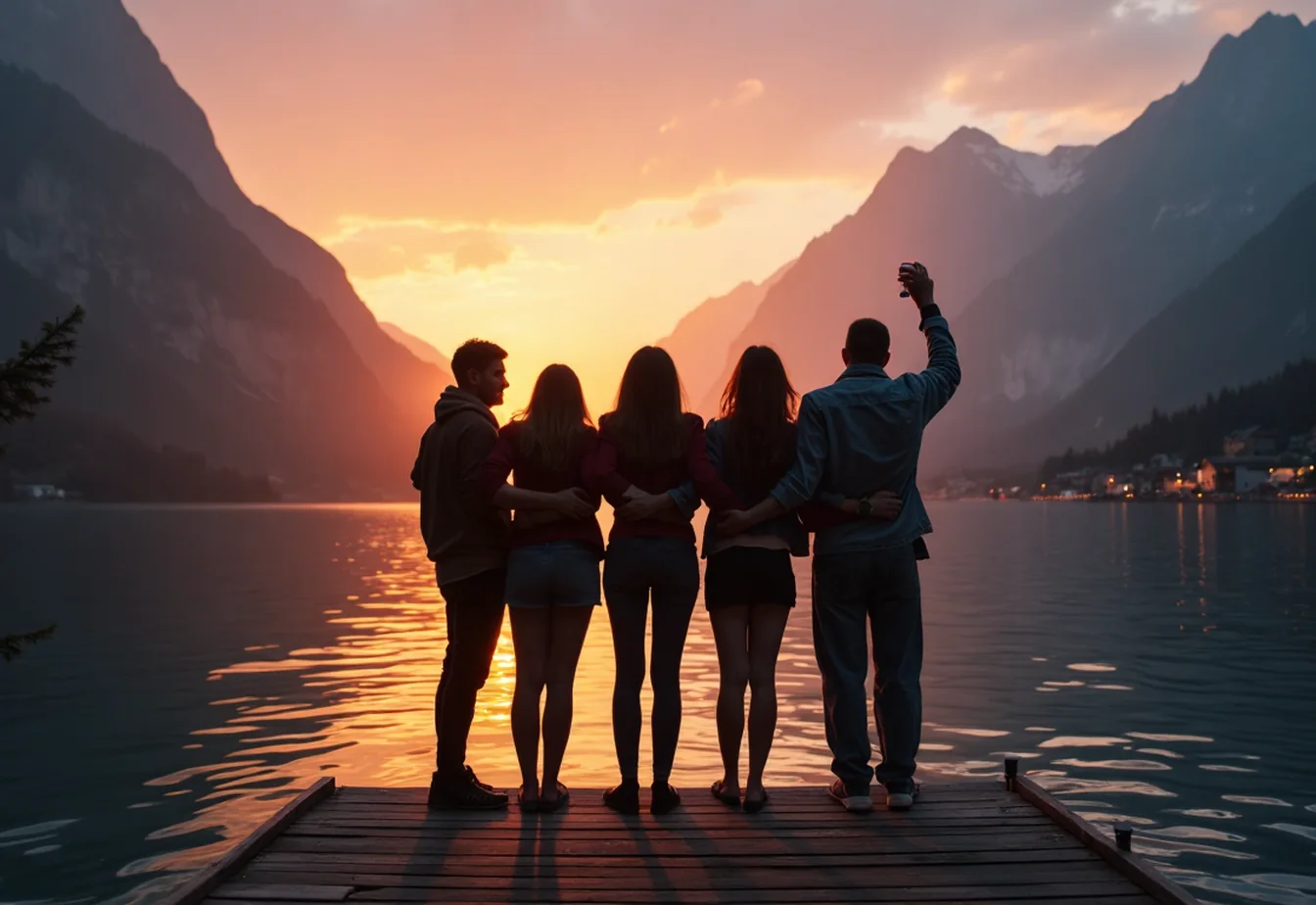
Wake up to the whole story.
The morning after, it's all there: the photo everyone loved, the line everyone's still quoting, what you decided, and every picture already on your phone. Nobody had to make it.
Or plan the next one in the group chat, and wait three weeks for photos that never come.
Plan your next one in After Stories.